


Topline
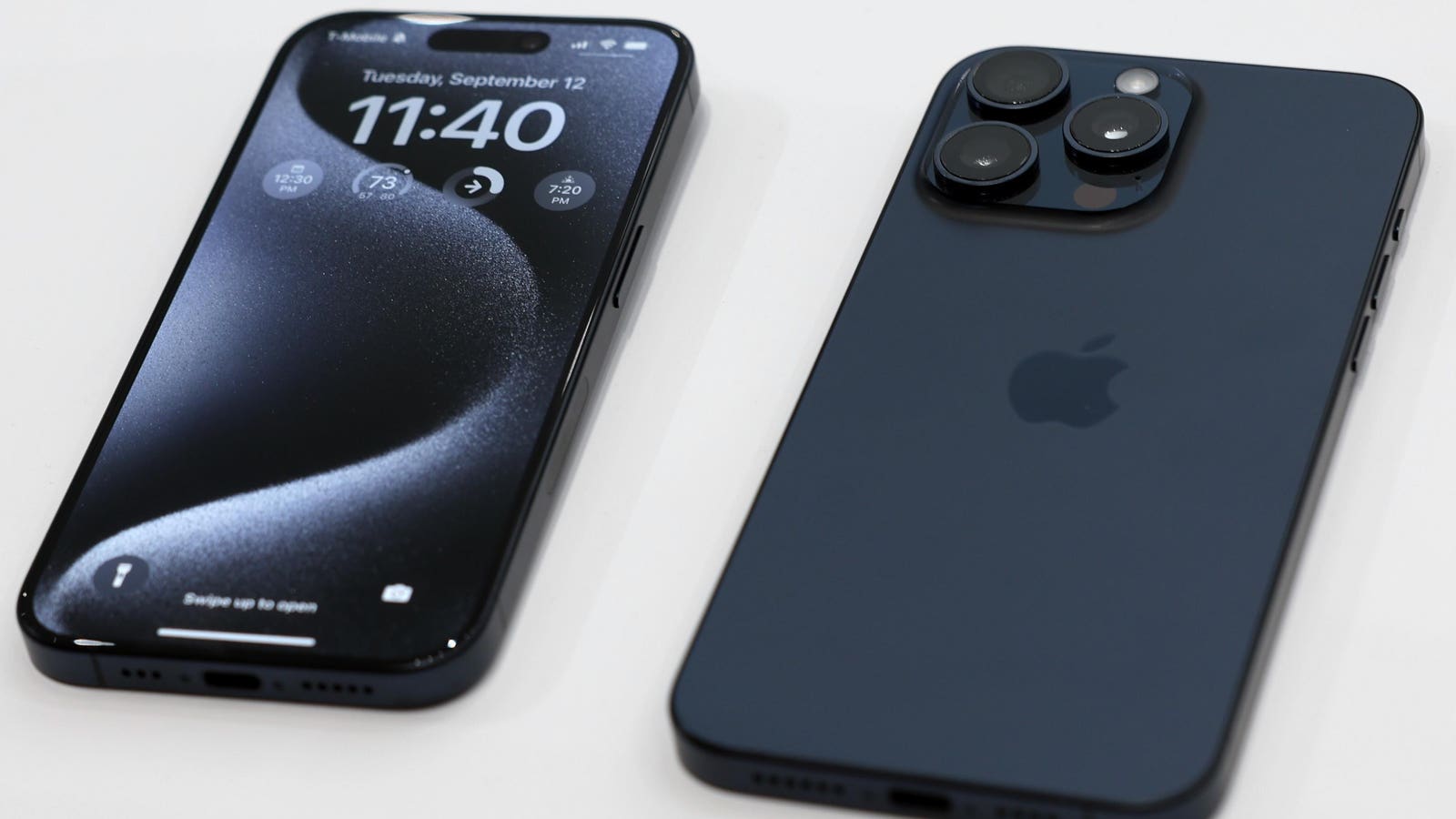
Users of the new iPhone 15 Pro and Pro Max have complained about “screen burn-in” causing an image to faintly persist in the background of their phones, but Apple is reportedly fixing the bug in its new iOS 17.1 update.
Key Facts
Screen burn-in is a faint, visible mark from an app, text or image that permanently stays on the screen no matter what’s displayed, and it’s usually caused by leaving the same image on the screen for too long.
Several users of the new phones have turned to social media to complain about the screen burn-in, like this TikTok user who posted a viral video showing the burn-in of the TikTok “For You Page” on her phone.
The new iOS 17.1 update—which is expected to release soon—will fix the issue, Mashable reports, as the beta version was already rolled out to developers earlier this week.
A Reddit user who claims to have access to the iOS 17.1 beta version shared pictures of their screen before and after the update, which appears to have solved the display issue.
This issue doesn’t just affect phones: Any device with an OLED screen display is susceptible to this issue, like any TV left on the same channel for an extended period of time.
Key Background
Though users can’t fix screen burn-in on their own, there may be ways to reduce or prevent the problem until the update arrives. There are videos on YouTube aimed at fixing screen burn-in, which typically feature rapid movement on the screen that is meant to clear burn-in. Another suggested method is shutting down the phone for at least a couple of hours to give the pixels some time to rest. Lowering the screen brightness is also believed to at least help with this problem. This is because when the screen is bright, the phone is more susceptible to screen burn-in as the pixels have to work harder. This can be done either by swiping down on the right side and accessing the Control Center, or by going into the Settings app and accessing the Display and Brightness menu. To prevent screen burn-in from happening, using dark mode may also work in the same vein as it keeps the screen darker if a user tends to continuously use their iPhone at maximum brightness. This can also be turned on in the Settings app under the Display and Brightness section. Another preventative measure is turning on Auto-lock. This feature allows users to set a certain timeframe (between 30 seconds and five minutes) the screen will stay on with inactivity before dimming and then eventually shutting off. Auto-lock can be turned on under the Display and Brightness menu in Settings as well.
Tangent
Screen burn-in isn’t the only issue the new iPhones have been facing. Since their release on September 22, customers have complained about a host of issues including overheating, which Apple has blamed on recent updates by third-party apps like Instagram and Uber. Apple released iOS 17.0.3 on October 4 to fix “an issue that may cause iPhone to run warmer than expected.” There’s also been complaints that the new phones break easily. Some of the new phones have also been freezing, particularly during the setup process. When choosing to transfer data from an old phone to a new iPhone, some users are getting stuck on the Apple logo, Apple reports. Before releasing iOS 17.0.2, which fixed the bug that caused this issue, Apple recommended restoring the new phone on a computer, installing any new software updates and then retrying the transfer process.
Apple To Fix Screen Burin-In Issue With iOS 17.1 Update; All Details Here (Mashable)
Apple identifies issues causing overheating in the iPhone 15 (Reuters)
.
Read the full article here