


• Home
  • Startup
  • Money & Finance
  • Starting a Business
    • Branding
    • Business Ideas
    • Business Models
    • Business Plans
    • Fundraising
  • Growing a Business
  • More
    • Innovation
    • Leadership
Trending

Terrifying New Photos Emerge From the Jeffrey Epstein Estate

December 22, 2025

Why SpaceX Is Finally Gearing Up to Go Public

December 20, 2025

OpenAI Rolls Back ChatGPT’s Model Router System for Most Users

December 19, 2025
Facebook Twitter Instagram
  • Newsletter
  • Submit Articles
  • Privacy
  • Advertise
  • Contact
Facebook Twitter Instagram
UptownBudget
  • Home
  • Startup
  • Money & Finance
  • Starting a Business
    • Branding
    • Business Ideas
    • Business Models
    • Business Plans
    • Fundraising
  • Growing a Business
  • More
    • Innovation
    • Leadership
Subscribe for Alerts
UptownBudget
Home » Stop Answering These Calls On Your iPhone, Warns Apple
Innovation

Stop Answering These Calls On Your iPhone, Warns Apple

adminBy adminOctober 25, 20250 ViewsNo Comments3 Mins Read
Facebook Twitter Pinterest LinkedIn Tumblr Email

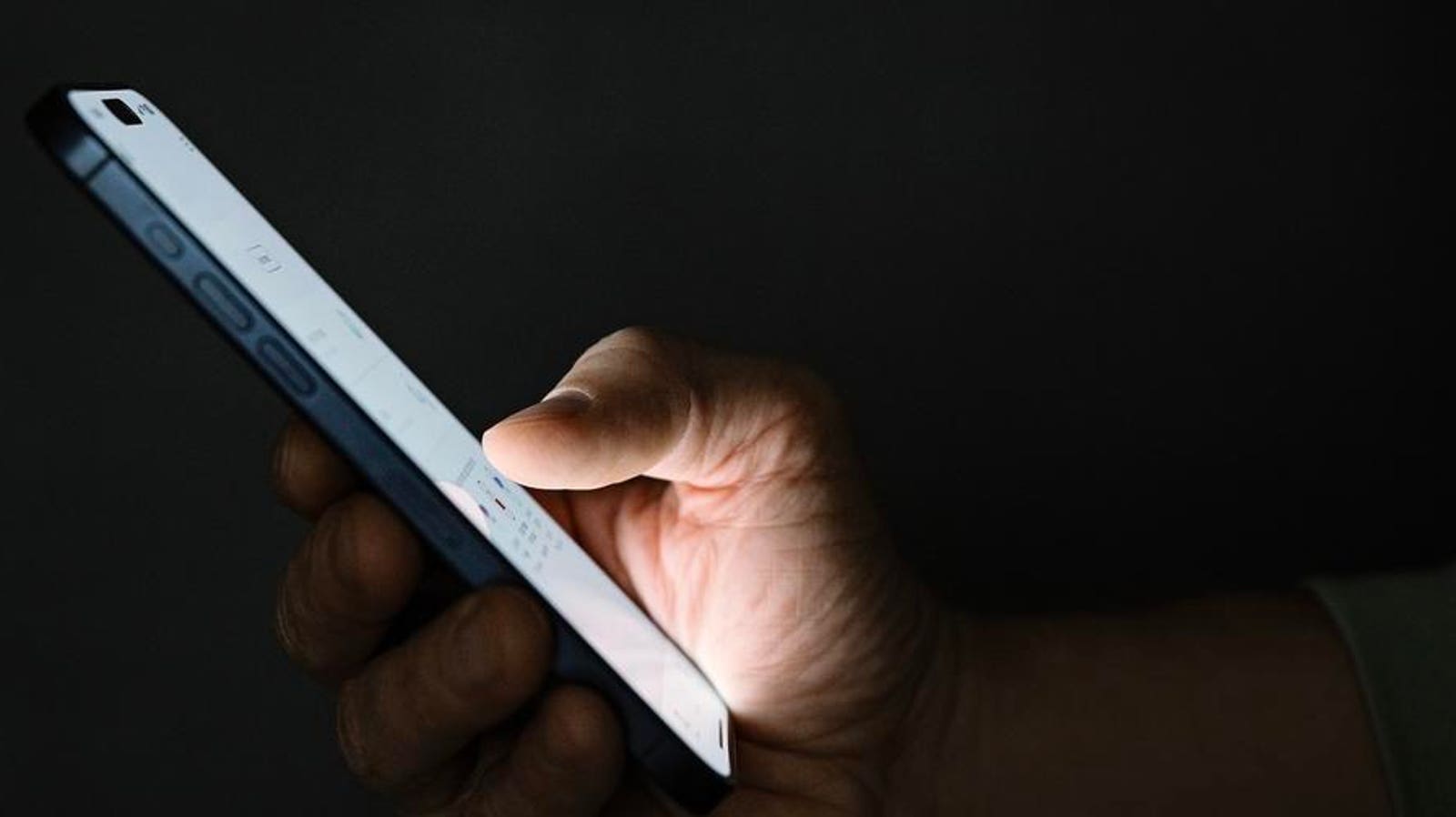
Yes, Liquid Glass is cool. But while the iPhone ecosystem focused on the new aesthetics, Apple’s iOS 26 quietly changed the world in a very different way. And there’s no going back. This is the one setting you need to change on your iPhone — now.

Almost all of us are plagued by unwanted calls. Most of these are marketing spam, but enough are dangerous scams to be a major concern. Apple has now killed both. “You get to decide who can contact you, and when,” the iPhone maker says

This includes the option to “screen or silence unknown callers, filter unknown callers and silence spam callers.” It works by answering those calls for you, asking callers for their identities and reason for calling. The answers appear as real-time text on your screen and are voice recorded as well. You can answer at any time.

This was the first setting I changed when I installed iOS 26. It’s a game-changer. Yes, I have missed a few legitimate calls from unrecognized numbers, but we will all learn to pay more attention to those incoming. calls. Voicemails are captured as normal.

Go to Settings > Apps > Phone > Screen Unknown Calls. There you can select “Ask Reason for Calling.” You can do broadly the same on a Pixel, but it’s not automated in the same way and is not the game-changer Apple has delivered.

Ironically, this comes just as call masking is making a comeback, with forums asking what the difference is between “Unknown Caller” and “No Caller ID.”

The answer is simple. An unknown caller is a technical issue, whether network or device related, it means the identifier has not come through. No Caller ID means the caller has deliberately chosen to withhold their number from showing up on your phone.

“Call Screening automatically answers calls from unknown numbers without interrupting you,” Apple says. “Once the caller shares their name and reason for their call, your iPhone rings and shares their response so you can decide if you want to pick up. You can also choose to silence calls from unknown callers.”

“Individuals worry about their ability to trust voice communication in an era of rampant spam and fraud calls,” Hiya says in its latest State of the Call report. That’s especially true in the era of deep fakes, where the FBI and others warn you must verify callers before engaging. On every level, Apple’s new offering levels cuts down the problem.

Read the full article here

Share. Facebook Twitter Pinterest LinkedIn Tumblr Email

Related Articles

‘Pluribus’ Just Set An All-Time Record For Apple TV

Innovation December 13, 2025

Wi-Fi Specialist Plume Could Be A Smart Home Secret Weapon

Innovation December 11, 2025

MITRE Doesn’t Pick Winners — But CrowdStrike Stands Out

Innovation December 10, 2025

If You See This Google Message, Your Gmail Is Under Attack

Innovation December 9, 2025

iPhone Air Price Drops In New Apple Resale Value Report

Innovation December 7, 2025

The Year Systems Broke Setting Up A Harder 2026

Innovation December 6, 2025
Add A Comment

Leave A Reply Cancel Reply

Editors Picks

Terrifying New Photos Emerge From the Jeffrey Epstein Estate

December 22, 2025

Why SpaceX Is Finally Gearing Up to Go Public

December 20, 2025

OpenAI Rolls Back ChatGPT’s Model Router System for Most Users

December 19, 2025

Crypto Magnate Do Kwon Sentenced to 15 Years in Prison

December 17, 2025

You’re Thinking About AI and Water All Wrong

December 16, 2025

Latest Posts

Operation Bluebird Wants to Bring ‘Twitter’ Back to Life

December 13, 2025

‘Pluribus’ Just Set An All-Time Record For Apple TV

December 13, 2025

OpenAI Launches GPT-5.2 as It Navigates ‘Code Red’

December 12, 2025

Wi-Fi Specialist Plume Could Be A Smart Home Secret Weapon

December 11, 2025

Here’s What You Should Know About Launching an AI Startup

December 10, 2025
Advertisement
Demo

UptownBudget is your one-stop website for the latest news and updates about how to start a business, follow us now to get the news that matters to you.

Facebook Twitter Instagram Pinterest YouTube
Sections
  • Growing a Business
  • Innovation
  • Leadership
  • Money & Finance
  • Starting a Business
Trending Topics
  • Branding
  • Business Ideas
  • Business Models
  • Business Plans
  • Fundraising

Subscribe to Updates

Get the latest business and startup news and updates directly to your inbox.

© 2025 UptownBudget. All Rights Reserved.
  • Privacy Policy
  • Terms of use
  • Press Release
  • Advertise
  • Contact

Type above and press Enter to search. Press Esc to cancel.